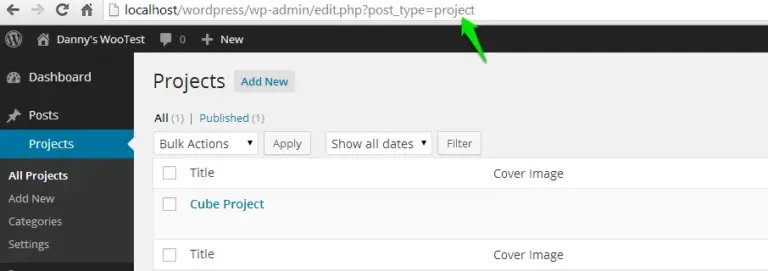
As WordPress developers, we often need to customize the administrative interface to display more relevant information. A common way to do this is by using the manage_posts_columns and manage_posts_custom_column hooks to add custom data columns to the post list, which works for almost any post type.
weForms is a modern WordPress form plugin developed by weDevs. Its backend UI is built with Vue.js, making it exceptionally fast and responsive. (The same company also developed the popular WP User Frontend and Dokan plugins.)
In the weForms plugin, the submission entry list might look like a standard WordPress post type list, but it is actually a custom data table rendered via Vue components. This means the traditional manage_posts_columns hooks won’t work. Fortunately, weForms provides its own specific filters that allow us to achieve the same result.
1. Adding a Custom Header to the Entry List
First, we use the weforms_get_entry_columns filter to add a new header to the columns array. In this example, we’ll add a “Datetime” column.
add_filter('weforms_get_entry_columns', function ($columns, $form_id)
{
    $columns['datetime'] = 'Datetime';

    return $columns;
}, 10, 2);
2. Adding Data to the Custom Column
Next, we use the weforms_get_entries filter to populate our new column with data for each submission. If you’re unsure what data is available, you can use print_r to inspect the $entries object.
add_filter('weforms_get_entries', function ($entries, $form_id)
{
    foreach ($entries as $entry) {
        // Assign the 'created_at' timestamp to our custom 'datetime' field
        $entry->fields['datetime'] = $entry->created_at;
    }

    return $entries;
}, 10, 2);
Well-designed plugins like weForms provide these kinds of hooks to allow developers to extend and modify functionality without touching the core code. When developing your own plugins, following this pattern makes your work much more accessible and useful to other developers in the community.