How to Dynamically Modify WooCommerce Product Prices Using PHP
Need to offer member discounts or dynamic pricing in WooCommerce? Learn how to use PHP filters and actions to programmatically adjust product prices in the shop and shopping cart.


Need to offer member discounts or dynamic pricing in WooCommerce? Learn how to use PHP filters and actions to programmatically adjust product prices in the shop and shopping cart.

Need to offer member discounts or dynamic pricing in WooCommerce? Learn how to use PHP filters and actions to programmatically adjust product prices in the shop and shopping cart.

Need to offer member discounts or dynamic pricing in WooCommerce? Learn how to use PHP filters and actions to programmatically adjust product prices in the shop and shopping cart.

Selling digital downloads or virtual services? Speed up your checkout process by automatically removing shipping and billing address fields when the cart contains only virtual items.
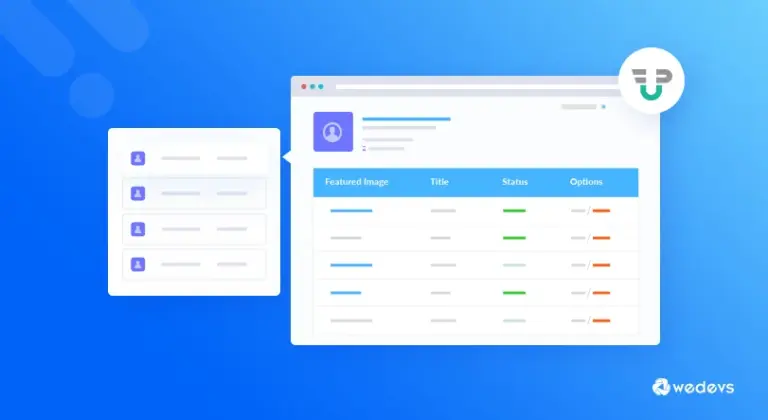
Want to extend the user dashboard in WP User Frontend? Learn how to use simple filters and actions to add custom tabs and content to the ‘My Account’ page for a better user experience.
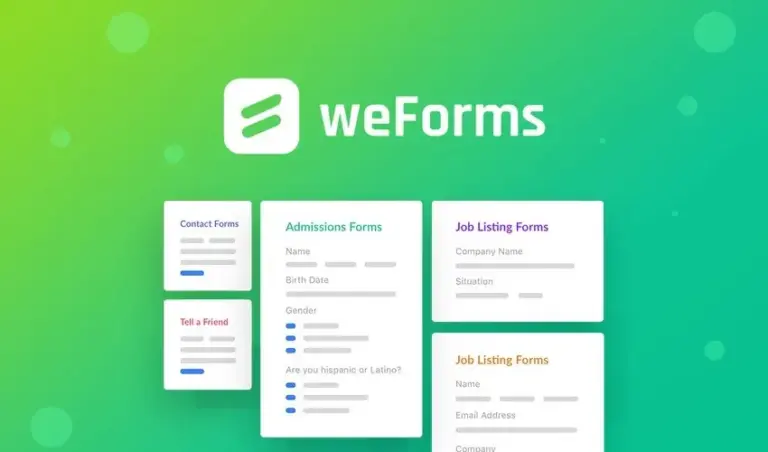
Need to display extra information in your weForms entry list? Learn how to use the available filters to add custom headers and data columns to your form submission dashboard.

WooCommerce can sometimes bloat your site with unnecessary CSS and JS. Learn how to use WooCommerce’s built-in conditional functions to load frontend resources only where they are actually needed.

PayPal often charges transaction fees that can eat into your margins. Learn how to automatically add a payment surcharge to orders when customers choose PayPal as their payment method.

Need more flexible shipping rules? Learn how to use WooCommerce hooks to automatically add extra shipping charges based on the number of items in a customer’s cart.

Need to import images into WordPress programmatically? Learn how to use core functions like media_handle_sideload and media_sideload_image to insert images from local paths or remote URLs and attach them to posts.