How to Add and Remove Columns in WooCommerce Data Lists
Master the customization of WooCommerce admin tables. Learn how to add, remove, and populate custom columns for Products, Orders, and Users, including support for HPOS.


Master the customization of WooCommerce admin tables. Learn how to add, remove, and populate custom columns for Products, Orders, and Users, including support for HPOS.

A practical guide to adding, populating, removing, and sorting custom columns in WooCommerce admin tables for orders, products, terms, and users.
Locked out of your WordPress dashboard? Learn how to manually create an administrator or promote a user to Super Admin using SQL queries in phpMyAdmin. Essential for Multisite troubleshooting.
Create a WordPress administrator directly with SQL in phpMyAdmin, then promote that user to a multisite super admin.

Simplify your WooCommerce customer experience. Learn how to remove the redundant Dashboard tab and automatically redirect users to their Orders list when they visit My Account.

Hide the WooCommerce My Account dashboard menu item and redirect the default dashboard endpoint to the orders list.
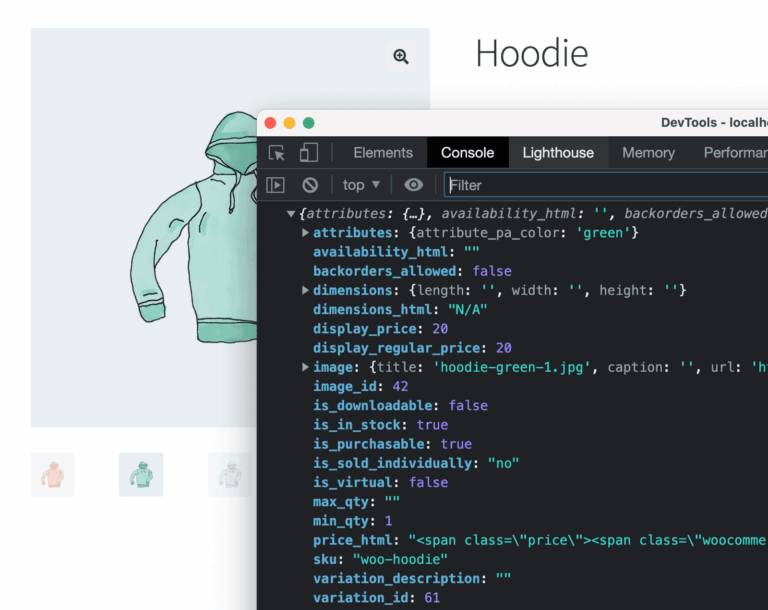
Enhance your WooCommerce product pages by triggering custom JavaScript events when a user selects a product variation. Learn how to use ‘show_variation’ and other JS hooks.

Learn how to handle performance issues caused by hooks that trigger multiple times, such as ‘save_post’ or ‘woocommerce_update_order’, using action removal and scheduled tasks.
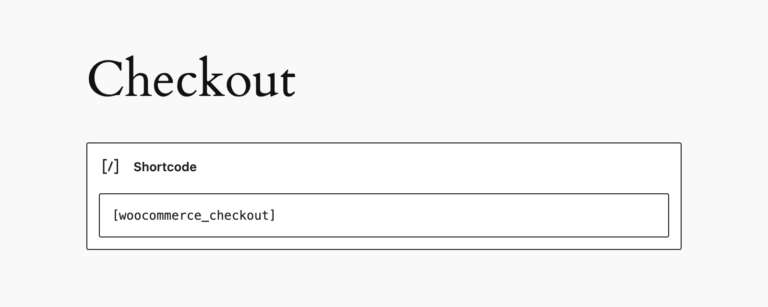
Master the WooCommerce order flow with this comprehensive map of hooks triggered during checkout, order updates, status changes, and refunds.
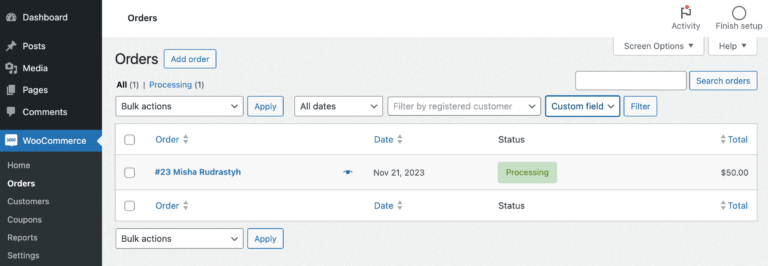
Improve your WooCommerce order management by adding custom meta field filters to the backend order list. Learn how to implement this for both legacy CPT and HPOS data structures.

Boost customer loyalty by automatically upgrading user roles in WooCommerce when their lifetime spending reaches a specific threshold, enabling tiered rewards and VIP discounts.

Improve your website loading speed and reliability by hosting Google Fonts locally. This guide introduces the Local Google Fonts plugin, which automatically identifies and downloads fonts to your server.