Hide the Visual Editor for Specific WordPress Page Templates
Disable the default WordPress visual editor for pages using a specific template so users only work with the custom fields they actually need.

Disable the default WordPress visual editor for pages using a specific template so users only work with the custom fields they actually need.
Build a taxonomy-based dropdown filter in WordPress so users can filter archive content by a selected custom taxonomy term.
A practical introduction to the main content types in WordPress, how posts, comments, users, and metadata relate to each other, and why post types matter.
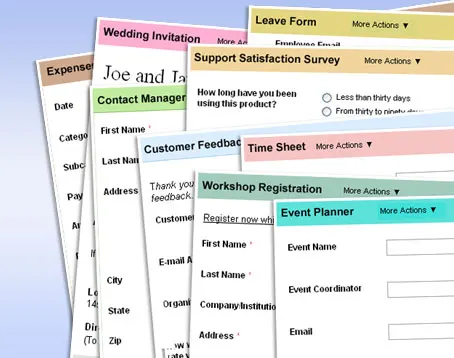
Piklist can now create front-end forms, making post submission and profile editing forms much easier to build in WordPress.
Part of the WordPress REST API plugin was merged into WordPress 4.4 development, but full REST API support was still expected later.
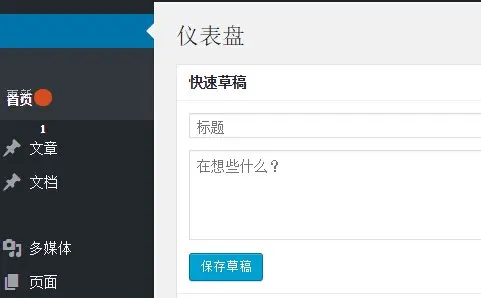
A Chrome 45 Slimming Paint bug could break the WordPress admin menu layout; disabling that flag fixes the issue.
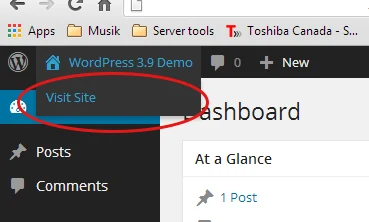
Change the WordPress admin bar View Site link so it opens in a new tab instead of replacing the current dashboard page.

Disable the visual editor text-pattern shortcuts added in WordPress 4.3 if they do not fit your writing habits.
The REST API Console plugin adds a testing console inside the WordPress admin so you can explore and debug the WordPress REST API more easily.
A fun look at the theoretical maximum number of posts WordPress can store based on the bigint ID field used in its database tables.