How to Recover a Forgotten WordPress Username and Password After a Server Migration
Practical ways to recover a forgotten WordPress username and password after moving a site to a new server.


Practical ways to recover a forgotten WordPress username and password after moving a site to a new server.

Use WordPress functions to list users and reset an admin password when a site is being migrated and normal recovery options are unavailable.

A practical guide to building a simple CRM application with WordPress as a theme or plugin-based solution.

Use custom post types, custom fields, user data, and related records to build a practical CRM application on top of WordPress.
Use Vue.js and Axios with the WordPress REST API to retrieve content and submit data back to WordPress.
Fetch posts and submit front-end data to WordPress with Vue.js, Axios, and the WordPress REST API.

Send email with Mailx over SMTP on CentOS to solve WordPress mail delivery issues on the server.

Install and configure Mailx on CentOS so the server can send email through SMTP for WordPress and other hosted applications.
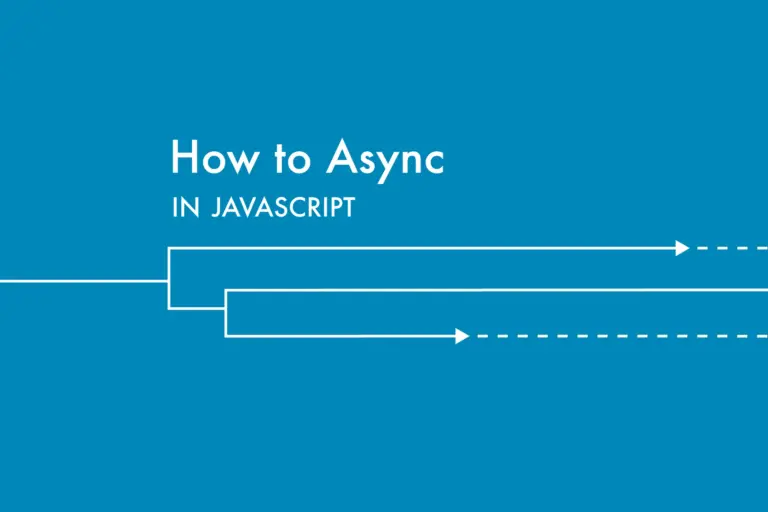
Improve perceived page speed by loading JavaScript asynchronously instead of blocking the initial render.
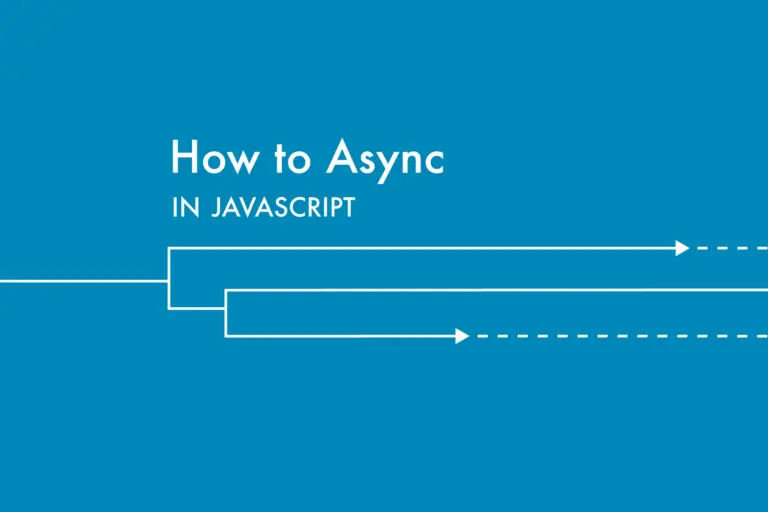
Use an asynchronously loaded JavaScript file in a WordPress theme so third-party sharing scripts do not block page rendering.
Load JavaScript only on the WordPress pages that actually need it to reduce unnecessary requests and improve performance.
Conditionally enqueue JavaScript only on the WordPress pages that actually need it so other pages stay lighter and faster.