How to Dynamically Modify WooCommerce Product Prices Using PHP
Need to offer member discounts or dynamic pricing in WooCommerce? Learn how to use PHP filters and actions to programmatically adjust product prices in the shop and shopping cart.

Need to offer member discounts or dynamic pricing in WooCommerce? Learn how to use PHP filters and actions to programmatically adjust product prices in the shop and shopping cart.

Selling digital downloads or virtual services? Speed up your checkout process by automatically removing shipping and billing address fields when the cart contains only virtual items.
Want to extend the user dashboard in WP User Frontend? Learn how to use simple filters and actions to add custom tabs and content to the ‘My Account’ page for a better user experience.
WooCommerce can sometimes bloat your site with unnecessary CSS and JS. Learn how to use WooCommerce’s built-in conditional functions to load frontend resources only where they are actually needed.
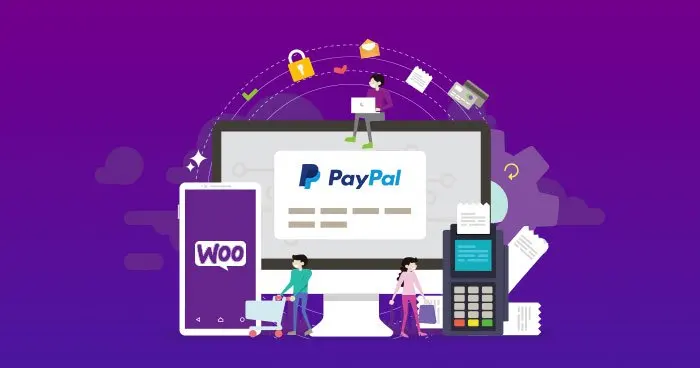
PayPal often charges transaction fees that can eat into your margins. Learn how to automatically add a payment surcharge to orders when customers choose PayPal as their payment method.

Need more flexible shipping rules? Learn how to use WooCommerce hooks to automatically add extra shipping charges based on the number of items in a customer’s cart.

Can’t find an order by its private or customer notes? Learn how to extend the WooCommerce order search functionality to include order notes using a simple filter.

Learn how to show different WooCommerce payment gateways by site language or region using Country Based Payments or a simple Polylang code snippet.

Use Polylang and WooCommerce filters to show different payment gateways for different site languages.

Learn how to use Payoneer with WooCommerce for cross-border payments, lower withdrawal costs, and easier transfers from PayPal to domestic bank accounts.