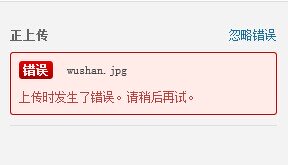
After upgrading to WordPress 4.1, many users ran into the same issue: when uploading an image, WordPress displays the message An error occurred in the upload. Please try again later. When they open the media library to check the images, it keeps loading and the images never appear. The error screens look like this.
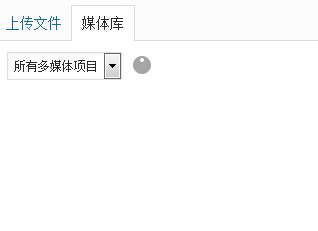
It took me quite a while to find the cause, but in the end it turned out to be an old problem: the WordPress theme file had been saved in UTF-8 with BOM format. Compared with plain UTF-8 without BOM, that encoding inserts a few invisible bytes at the beginning of the file, and those extra bytes are what trigger this issue.
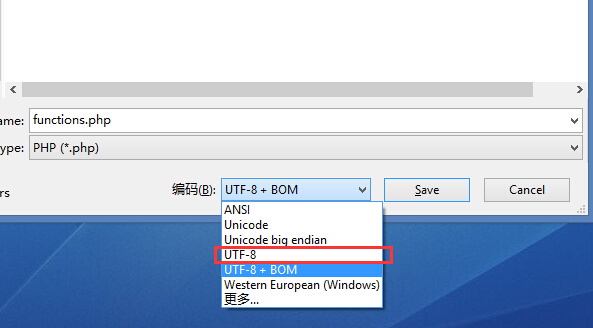
The fix is to save the file again using UTF-8 without BOM. In the screenshot above, I used the EditPlus code editor, but any editor that lets you change the file encoding will work. After saving it in the correct encoding, upload the modified file again and refresh the page to check whether the problem is gone.
If the problem still is not fixed after following the steps above, feel free to ask about it in the comments.