When maintaining old articles on a website, we often need to modify the URLs of some pages or even set up redirections to other articles. While 301 redirects handle the routing, your posts, pages, and even comments within the site may still contain internal links pointing to the original URLs. In this article, we’ll look at how to easily find and replace these types of links within your website content.
Using WordPress Post Search
Basically, you can search for internal links in the WordPress admin under “Posts” (if you want to find links in other posts) or “Pages”. Simply enter the title or partial URL of the page you’re looking for in the search bar.
WordPress will then display the articles linked to that keyword:
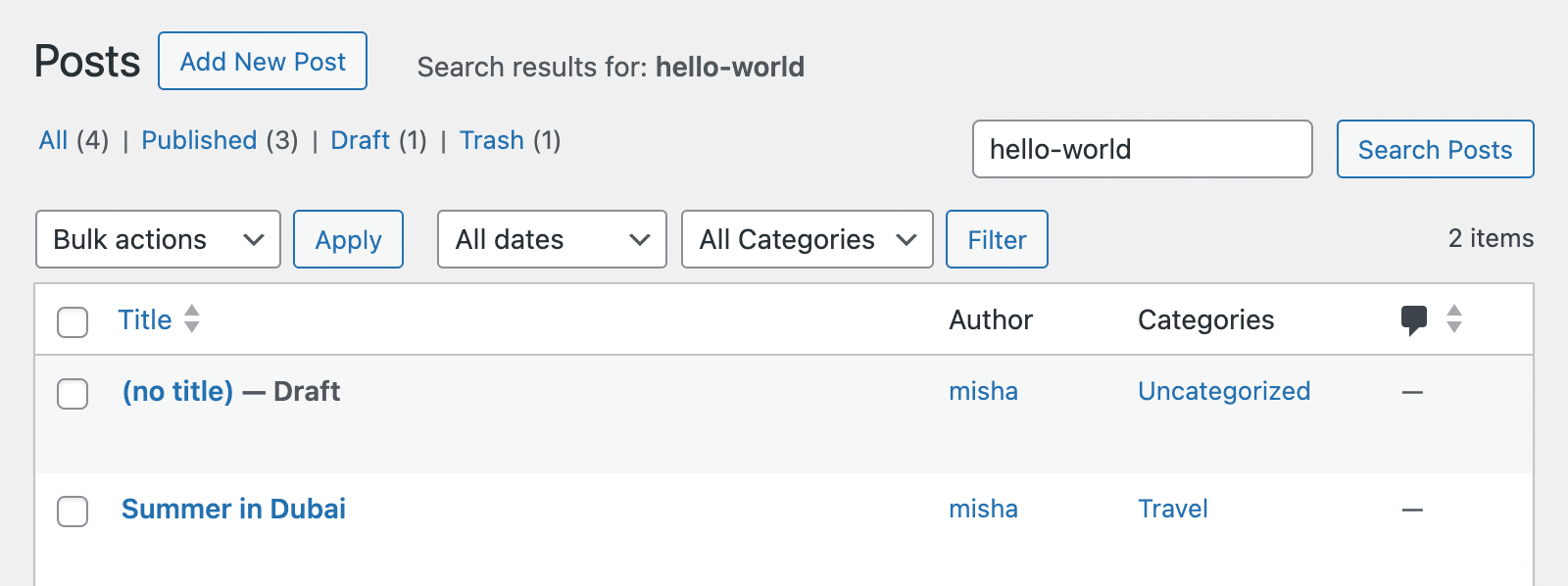
In this example, we’ve found all posts containing links to “Hello world”.
Of course, the remaining work must be done manually—you’ll need to open each post and replace the internal links. If there are only one or two posts to handle, this is fine. However, if you have many posts to update, this process becomes time-consuming. In such cases, we can perform a batch replacement.
Searching and Replacing in the Database
To operate directly on the database, you’ll need access to phpMyAdmin or the ability to install a management plugin on your site.
Assuming you prefer a plugin, you can install a free database management tool like “Adminer” via Plugins > Add New.
Once installed, open Adminer and navigate to the “SQL Command” section. You can then run a SQL query like this:
SELECT ID, post_title FROM wp_posts WHERE post_content LIKE '%http://test.wpzhiku.com/hello-world%'Here’s a breakdown of how this WordPress database query works:
- The query selects the ID and title of the posts found.
FROM wp_poststargets the table containing post content. If you want to search comment content, usewp_comments. Note that your database prefix might differ (e.g.,wprs_posts).- The
%symbols around the URL act as wildcards, indicating it can appear anywhere inside the content.
The results of the SQL command execution are shown below:
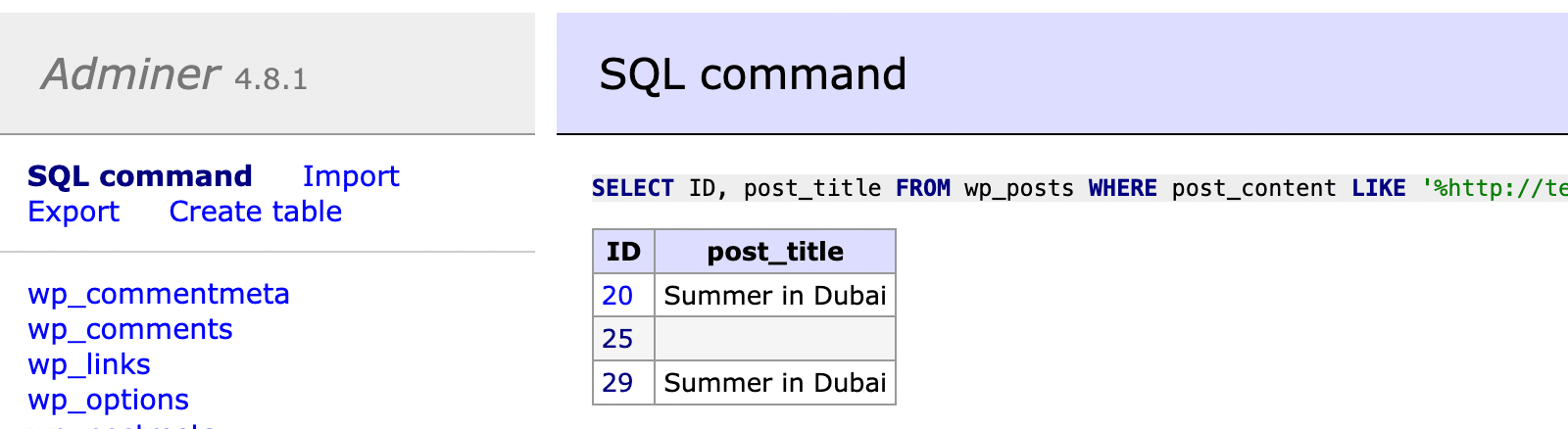
Technically, we’ve found two posts containing the target URL. Note that duplicate entries often represent revisions rather than unique posts.
Let’s also look at finding internal links within comments. Use the following SQL command:
SELECT comment_ID, comment_author FROM wp_comments WHERE comment_content LIKE '%http://test.wpzhiku.com/hello-world%'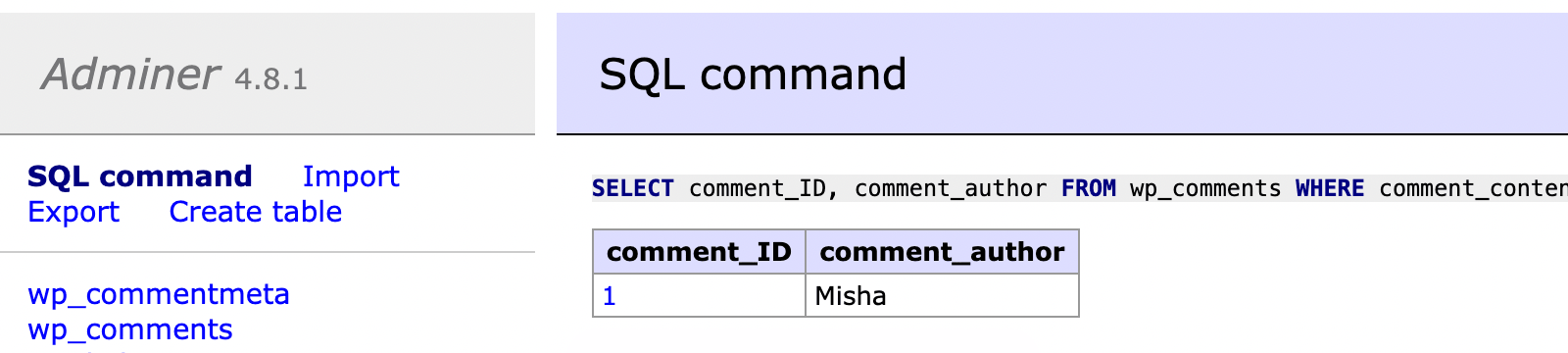
SQL Queries for Search and Replace
If you want to simultaneously find and replace internal links in posts and comments, use these SQL queries:
For post content:
UPDATE wp_posts SET post_content = REPLACE (post_content, 'URL1', 'URL2');For comment content:
UPDATE wp_comments SET comment_content = REPLACE (comment_content, 'URL1', 'URL2');After executing these statements, all instances of the old URL will be replaced with the new one across your posts, pages, and comments, ensuring a smooth transition during site updates.