Recently, some users noticed a strange problem in the WordPress admin area: when hovering over the left-hand admin menu, the text from two adjacent menu items overlapped. The upper menu item covered the lower one, making it hard or impossible to click the menu you actually wanted.
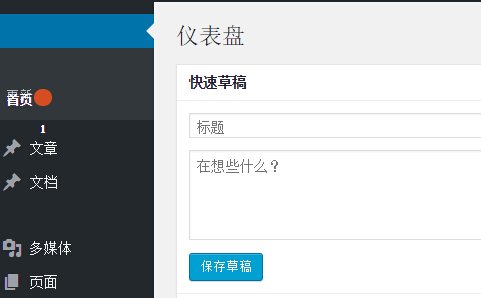
According to reports on an overseas forum, this was caused by a bug in the Chrome 45 Slimming Paint feature. The fix was simple: disable Slimming Paint.
Enter
chrome://flags/#disable-slimming-paintinto the Chrome address bar, enable theDisable slimming paintoption, and make sure the other twoEnable Slimming Paintoptions stay disabled.
After changing the setting, the admin menu should return to normal. The result looks like the image below.
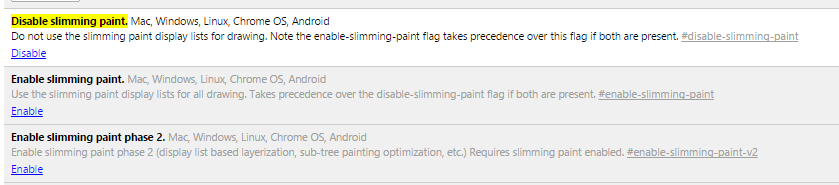
Once you make the change, restart the browser and the problem should be resolved.