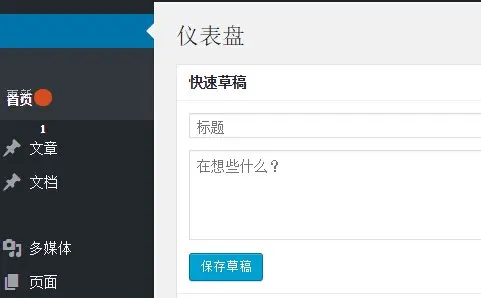
In WordPress 4.4, the “Get Shortlink” button in the post editor was hidden. The “View Post” button was effectively merged into the permalink display, which did not really hurt usability, but the shortlink button disappeared completely. WordPress probably hid it because relatively few people used it.
Regardless of why it was hidden, there are still users who relied on it, and restoring it is very simple.
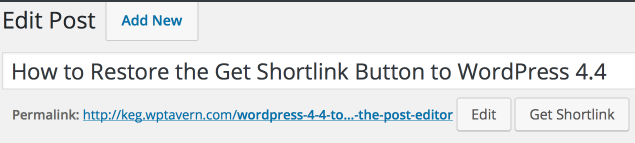
How to restore the “Get Shortlink” button
If you prefer a plugin-based solution, there is a plugin called Bring Back the Get Shortlink Button, and after you install and activate it, the button comes back immediately.
If you do not want to use a plugin, just add the following code to the theme’s functions.php file:
add_filter( 'get_shortlink', function( $shortlink ) {return $shortlink;} );One useful lesson here is how WordPress handles feature removal. In many cases, WordPress hides a feature first, keeps compatibility for a while, and only removes it completely much later. That conservative approach is one of the reasons WordPress upgrades tend to maintain compatibility so well.