
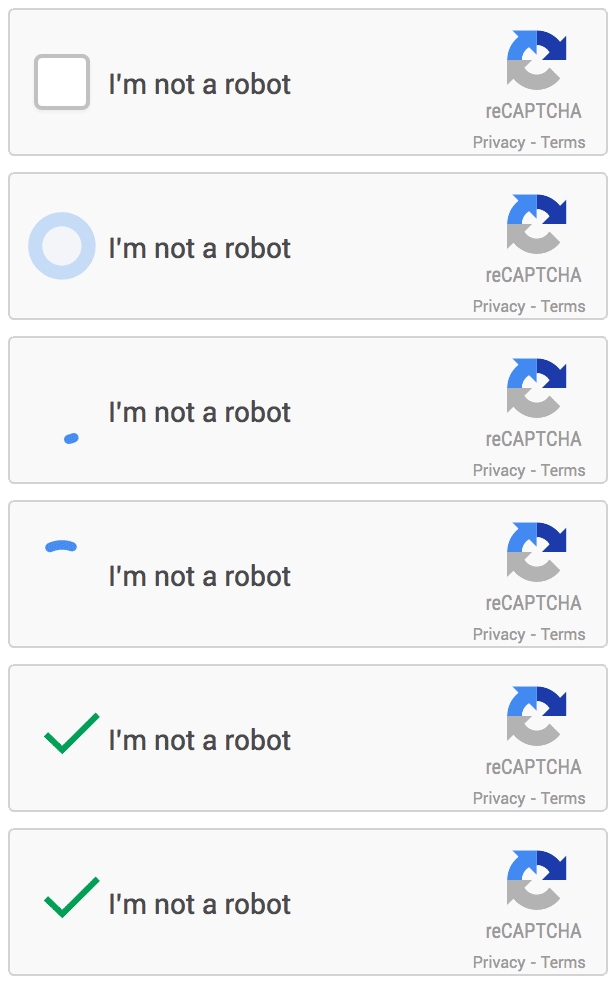
Google once said that it would simplify website verification codes. The result of this plan is No CAPTCHA reCAPTCHA. No CAPTCHA reCAPTCHA uses a complex algorithm to determine whether the visitor who submitted the form is a normal human or a robot, as shown below. The entire verification process only requires one click of the mouse and checking an “I`m not a robot” option. Compared with the previous image verification code, the user experience of this verification method is undoubtedly much more convenient. Just a few days after its release, the No CAPTCHA reCAPTCHA plugin is already available in the official WordPress plugin directory.
Introduction to plug-in functions
What I want to introduce to you today is the plug-in No CAPTCHA reCAPTCHA. You can search and install it directly in the background. The function of the plug-in is very specific and it is very convenient to set up. The plug-in provides the following custom setting options.
- Option to enable CAPTCHA during login, registration or commenting
- Choose a CAPTCHA theme (Light or Dark)
- Automatically detect user language
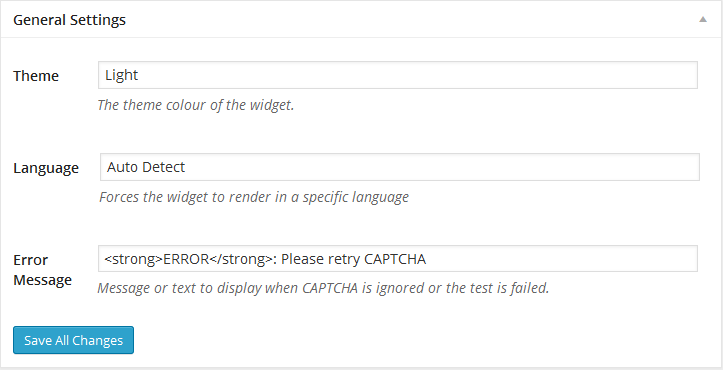
Some settings options for the plugin
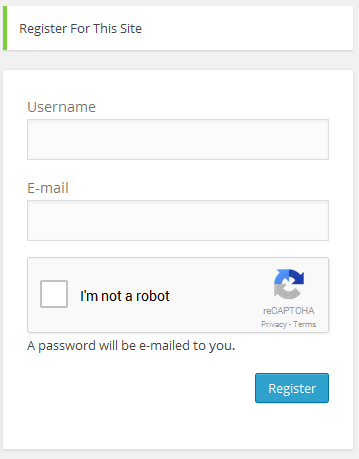
Once the new reCAPTCHA function is activated, reCAPTCHA will be visible under the login box when you log in again.
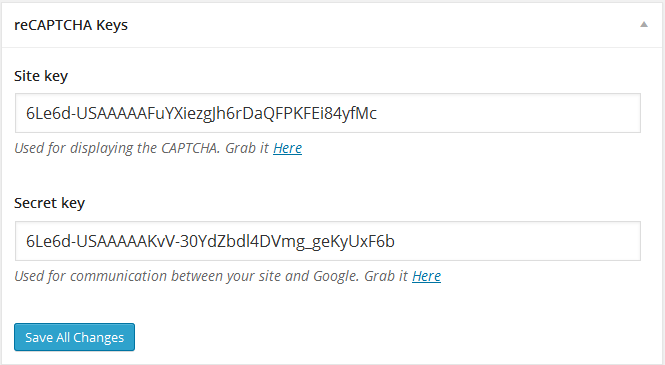
The plugin is very easy to configure, just paste the Google reCAPTCHA key into the settings.
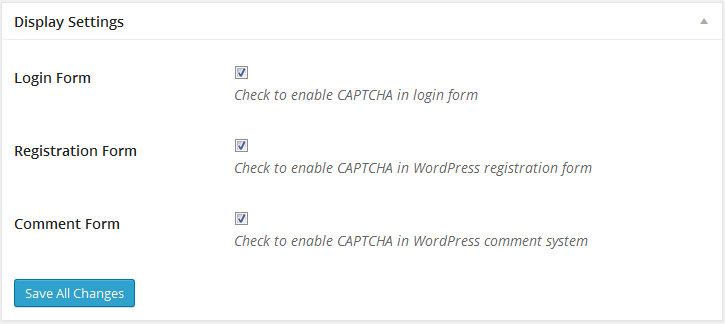
Choose to display No Captcha reCAPTCHA on the login, registration, or comment screen.
Then you can choose to force the plug-in to use a certain language or let the plug-in automatically detect based on the user’s language, set the text when the plug-in makes an error, and select the color of the plug-in.
After testing, the No Captcha reCAPTCHA plug-in is not yet compatible with Jetpack’s comment module. WordPress has such a wide range of applications. I wonder if Google will release an official WordPress eCAPTCHA plug-in. Let’s wait and see.
If you want to enable eCAPTCHA in your WooCommerce login or checkout form, you can tryreCAPTCHA for WooCommerceAfter enabling and setting the required Key, this plug-in automatically inserts the eCAPTCHA verification UI into the login and checkout related forms of WordPress and WooCommerce, which can prevent malicious registration or orders from robots to a large extent.