
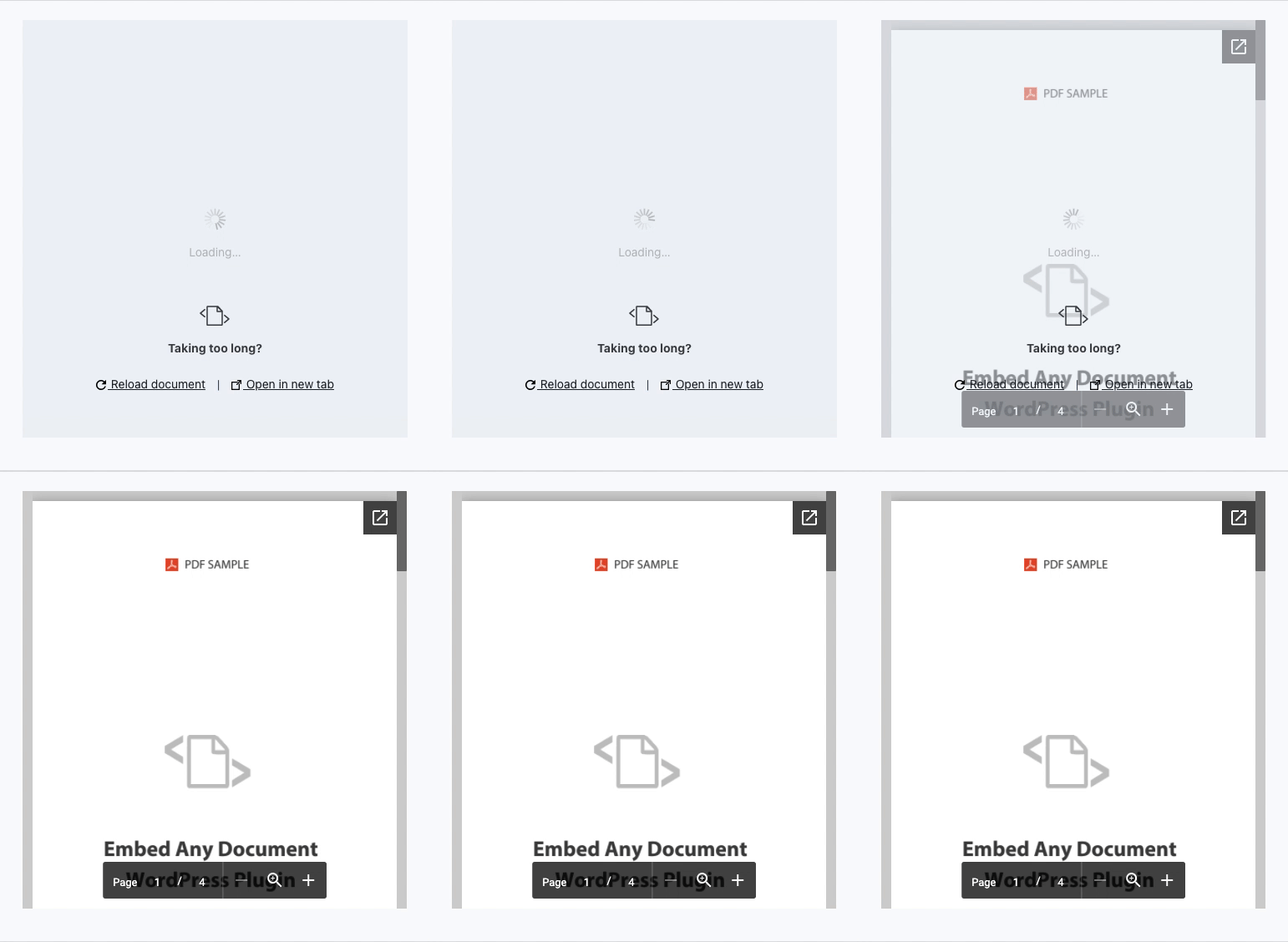
Embed Any DocumentWordPress plugins allow you to easily embed PDF, Word, PowerPoint, and Excel documents into your WordPress website. The plugin integrates with Google Docs Viewer and Microsoft Office Online to display your documents on your website.
Supported file types
- Microsoft Word (DOC, DOCX, DOCM, DOTM, DOTX)
- Microsoft Excel (XLS, XLSX, XLSB, XLSM)
- Microsoft PowerPoint (PPT, PPTX, PPSX, PPS, PPTM, POTM, PPAM, POTX, PPSM)
- Adobe Portable Document Format (PDF )
Supported viewers
- Google Docs Viewer (PDF and Office Documents)
- Microsoft Office Online (Office documents only)
- Browser native (PDF only)
- [PLUS version] Google Drive Viewer (stable and high-performance viewer for viewing documents hosted on Google Drive)
- [PLUS version] One Drive Viewer (Document viewer for viewing documents hosted in OneDrive)
- [PLUS version] Box.com Viewer (for viewing all documents hosted on Box.com, with advanced security options to disable download buttons, add passwords, and more)
Key Benefits of the Embed Any Document Plugin
- Simple and minimalist user interface:Simple, concise and easy to use.
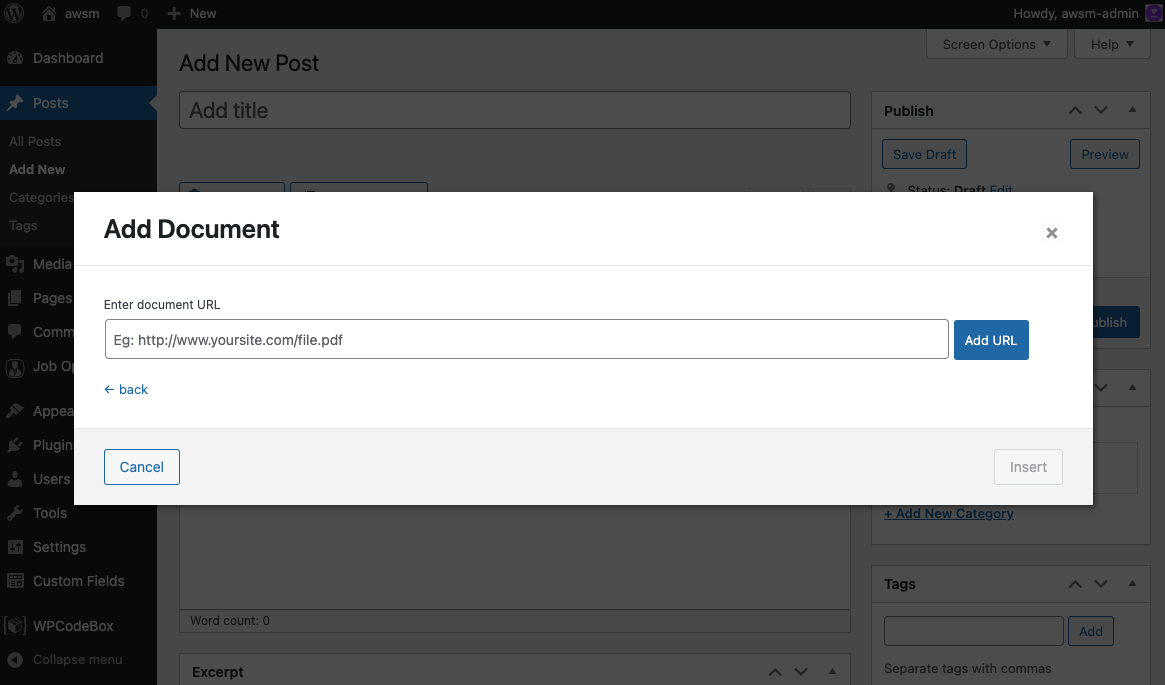
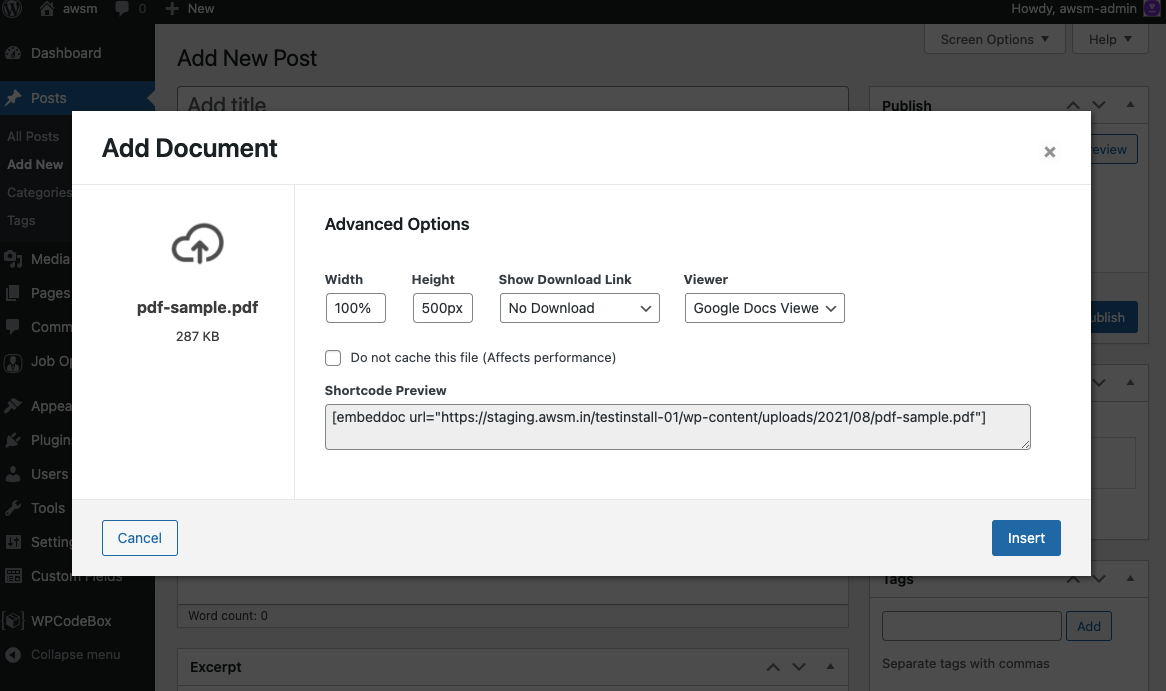
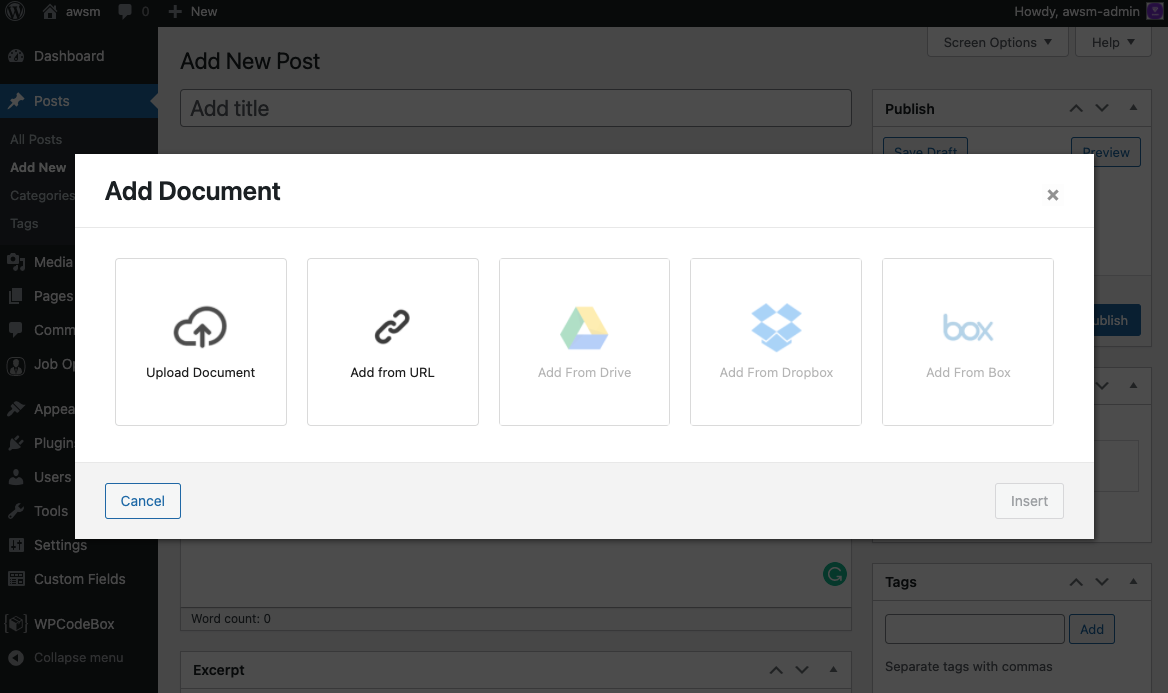
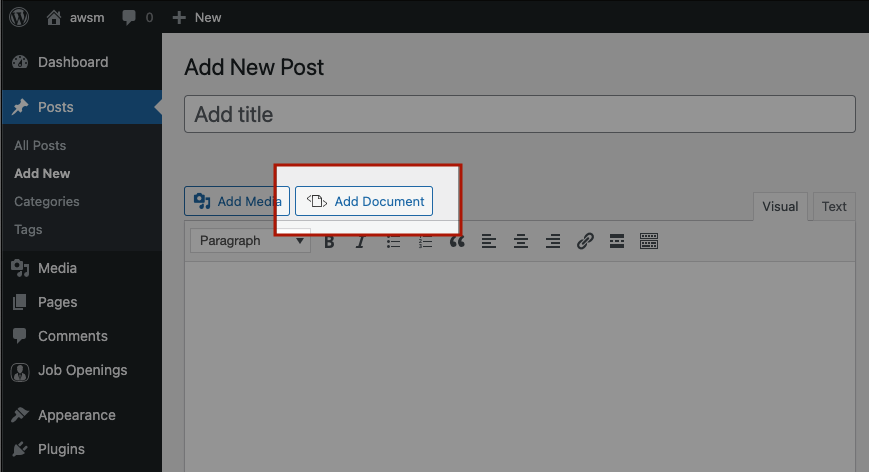
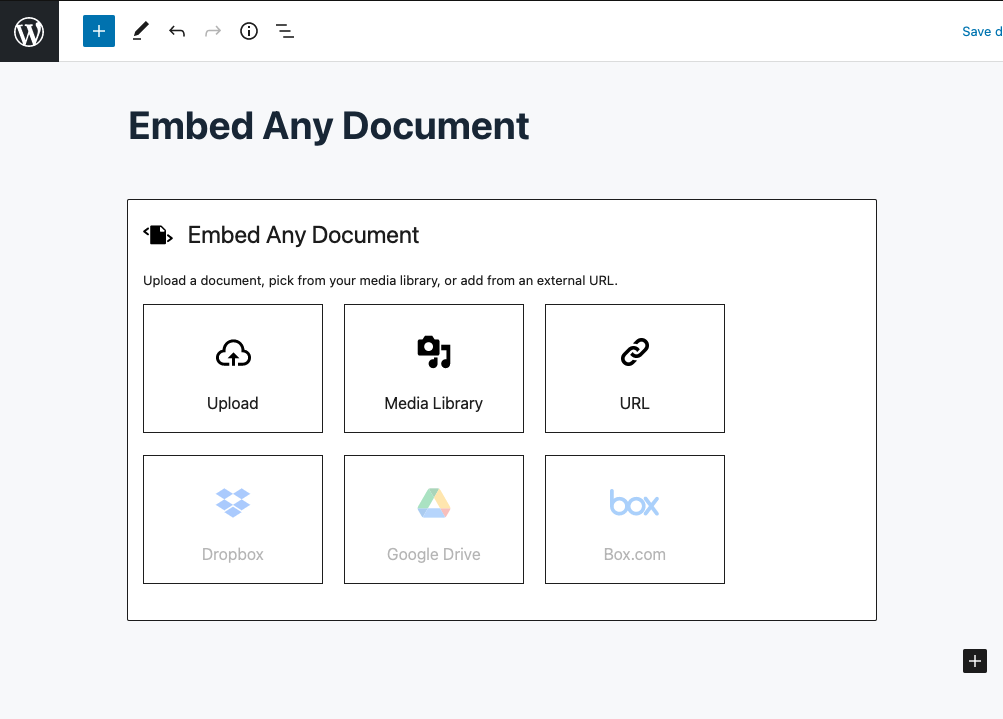
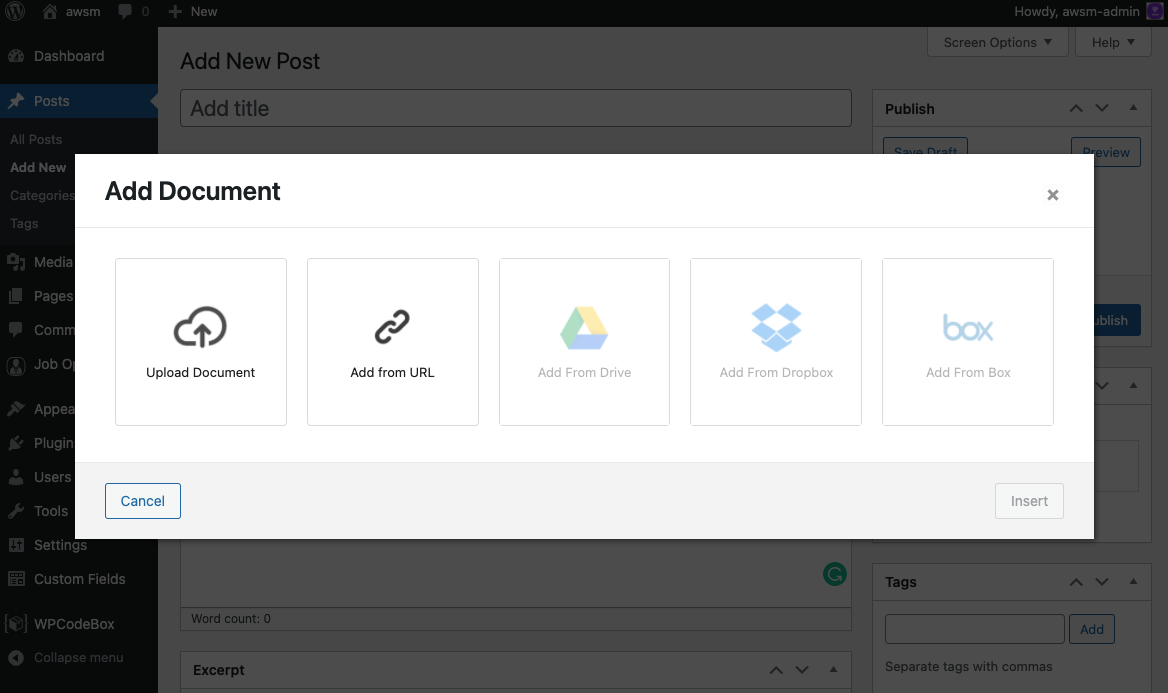
- Easy to upload and embed: Seamlessly integrated into the classic editor and block editor. Simply click the “Add Document” button to upload your document and embed it.
- No third-party plug-ins required: This plug-in uses Google Docs Viewer and Microsoft Office Online services to display documents on your website. You don’t need any additional browser plug-ins to view the documents and get maximum compatibility with them.
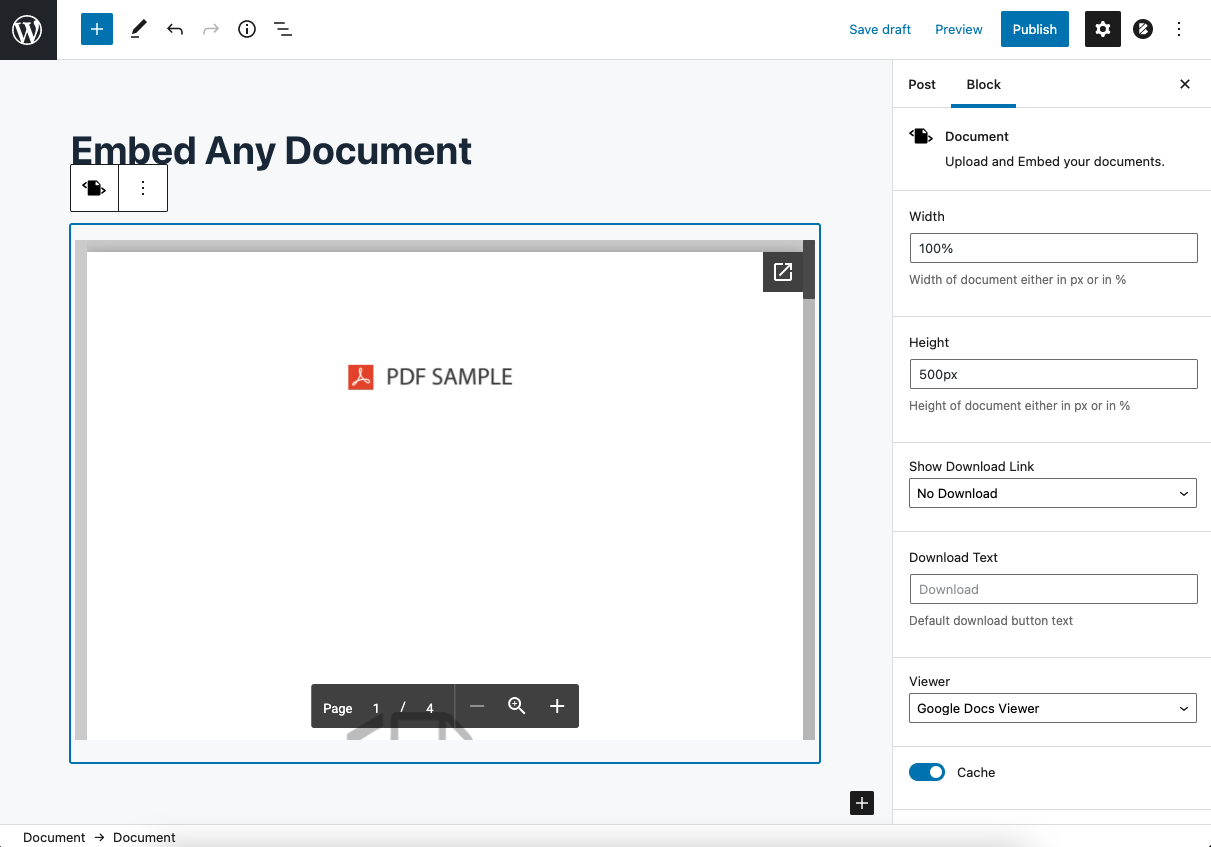
- Select viewer options: You can choose Google Docs Viewer and Microsoft Office Online to display your documents. If one service goes down, you can easily switch to another. The plugin also supports a browser-based PDF file viewer.
- Cross-browser compatibility: The plug-in is compatible with all major browsers.
Embed Any Document plug-in screenshot
Plug-in limitations
Embed Any Document has its own limitations due to its complete reliance on third-party cloud services (Google Docs Viewer and Microsoft Office Online).
- embedded displayNot supportedVideo/audio playback and animations/transitions in embedded documents
- Your document must be available online for embedded views to work properly.Viewer does not support localhost, intranetand files hosted in any password-protected environment
- ViewerCan only handle files of limited size(Maximum 8MB for Google Docs Viewer and 10MB for Microsoft Office Online)
- downloadand popup button cannot be deleted– None of the default features of the viewer can be removed or changed