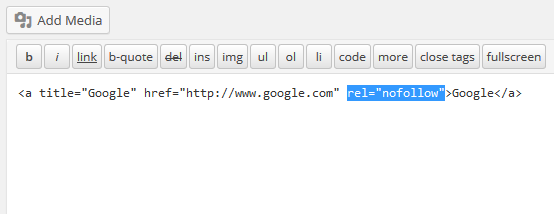
As a content-focused website, when publishing articles, in order to increase the fullness of the article content and facilitate users to find the content, we will inevitably insert external links into the article. From an SEO perspective, external links will disperse the weight of the page and bring us a loss of SEO weight. The way to solve this problem is to add external linksrel="nofollow"property. However, WordPress’s interface for inserting links does not provide us withrel="nofollow"Although this option can be switched to a text editor to edit manually, this is very troublesome. No one wanted to bother, so there wasRel Nofollow Checkbox plugin。
How to install and use the Rel Nofollow Checkbox plug-in
Search for the Rel Nofollow Checkbox plug-in on the WordPress plug-in installation interface, then click Install. Enable it after successful installation. Then it will appear when inserting a link in the article editorrel="nofollow"this option. Just check this option when adding external links.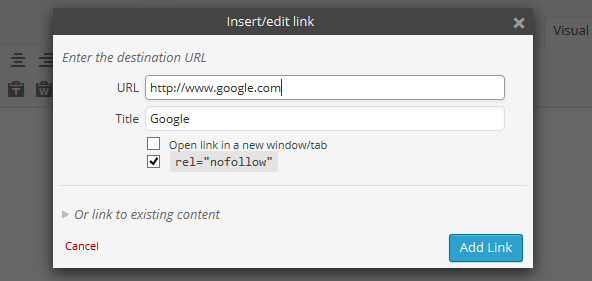 Then the inserted link will be one more
rel="nofollow"Attribute, search engines directly ignore this link when crawling this page.