
Since WordPress supports post types, the menus on the WordPress dashboard have begun to increase. In order to make it more convenient to use, sometimes we need to adjust the order of the background menus. Until now, it has been adjusted through code. Finally, someone couldn’t stand this trouble, so there is a plug-in that drags and drops the order of the menus in the background of the dashboard that we are going to introduce today.
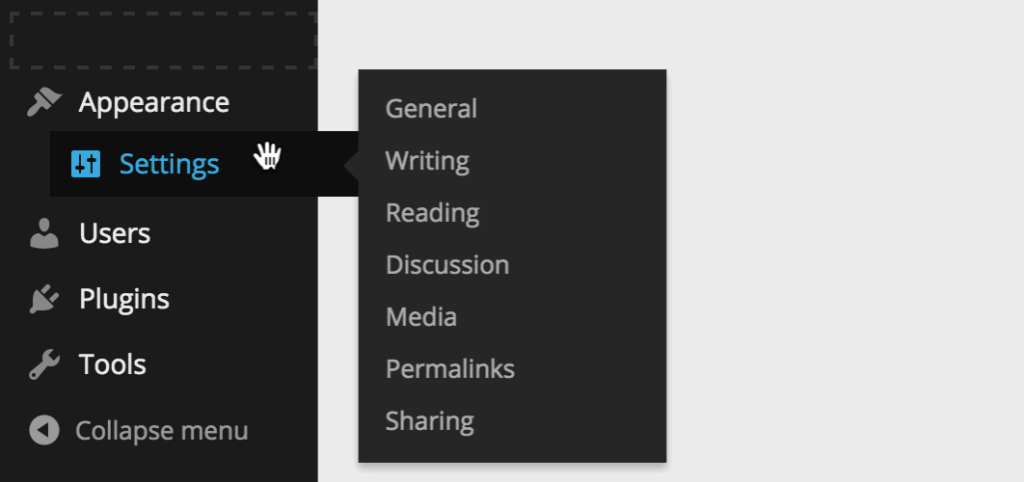
Admin Menu Manager is a plug-in for one person to adjust the sorting of background menus. The operation of the plug-in is similar to the menu management interface of WordPress. It is sorted by drag and drop, and supports placing the top-level menu into the secondary menu and the secondary menu into the settled menu, which is very convenient.
The first version of the plugin has been released on WordPress.org, and the plugin team is currently working on the second version, which will add the following features:
- Remove (restore) the admin menu
- Edit the name and icon of an existing menu
- Add new menu item
If we install a lot of plug-ins, there will often be plug-ins that create top-level menus on the dashboard. In addition to increasing the complexity of the backend interface, these menus will also make the backend ugly and messy. In the next version of the plug-in, the function of simplifying the dashboard menu will be added.