Use PurgeCSS to Remove Unused CSS from a WordPress Theme
Reduce WordPress theme CSS file size by using PurgeCSS to strip out selectors that are never used on the front end.

Reduce WordPress theme CSS file size by using PurgeCSS to strip out selectors that are never used on the front end.

How to persist the WordPress object cache with Redis or Memcached, enable the required drop-ins, and use the object cache API in theme and plugin development.

A practical WordPress performance guide using the Avada theme as an example, covering assets, caching, HTTP/2, CDN, and media delivery.

Delay non-critical work in WordPress with asynchronous PHP and WP-Cron to improve user-facing response times.

Delay time-consuming work in WordPress with WP Cron or asynchronous task libraries so users do not have to wait for slow operations to finish.

Use the Cachify plugin with Memcached to cache WordPress pages and improve page load speed.

Configure Cachify with Nginx and Memcached so WordPress can serve cached pages from memory and dramatically reduce page load time.
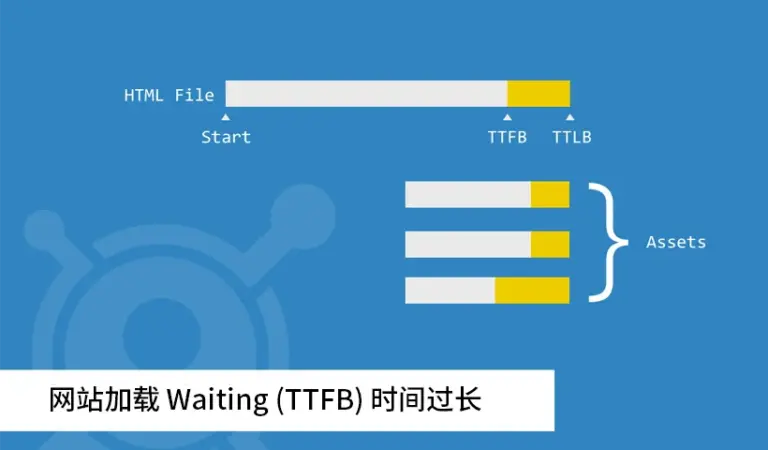
Understand what Time to First Byte means, what counts as slow, why it gets too long, and how to reduce server response time on WordPress sites.
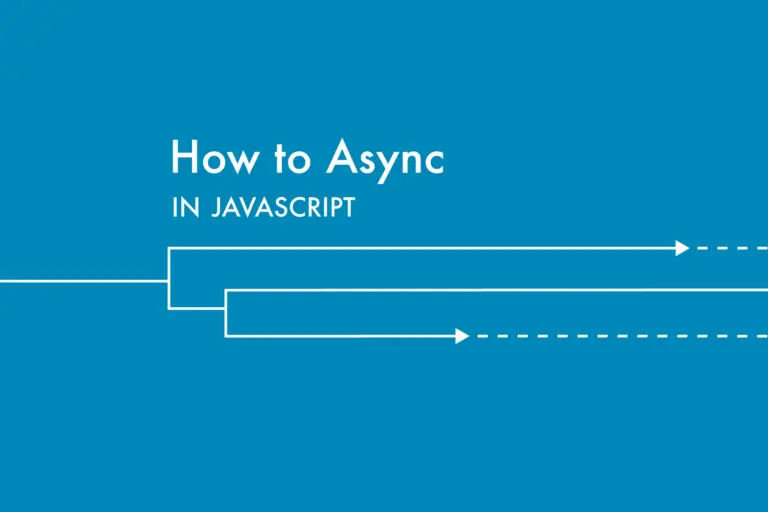
Use an asynchronously loaded JavaScript file in a WordPress theme so third-party sharing scripts do not block page rendering.
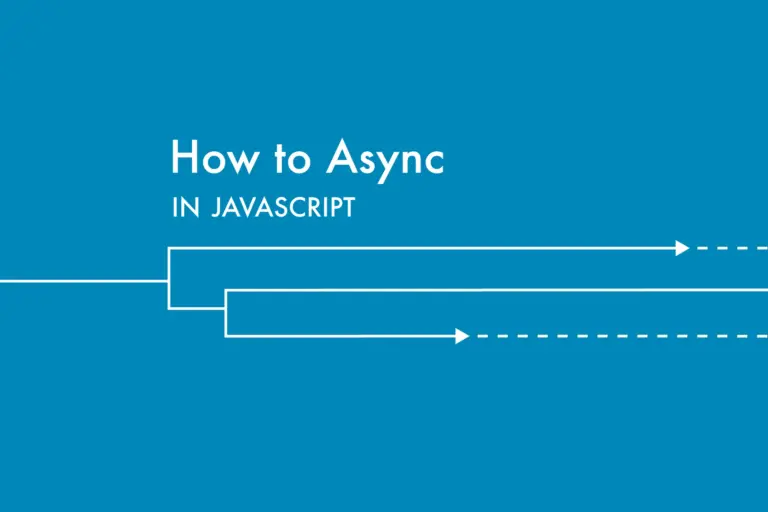
Improve perceived page speed by loading JavaScript asynchronously instead of blocking the initial render.

Load JavaScript only on the WordPress pages that actually need it to reduce unnecessary requests and improve performance.

Conditionally enqueue JavaScript only on the WordPress pages that actually need it so other pages stay lighter and faster.