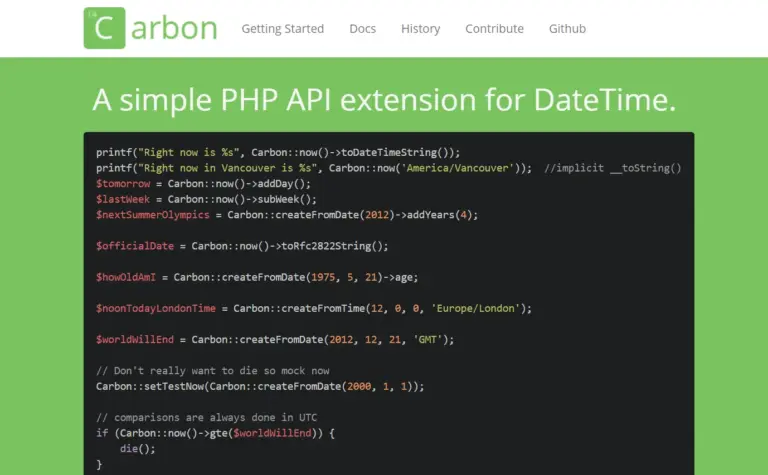
Working with dates and time in PHP can be frustrating, especially when formatting, timezone conversion, and date comparison all start mixing together. Carbon exists to make that work much more pleasant. We previously used date handling in our guide on adjusting time display based on content freshness in WordPress, and Carbon makes the same kind of logic much easier to maintain.
Carbon’s cleaner code and more human-friendly syntax
The following example comes from a membership subscription workflow. The first line initializes a Carbon object using the Asia/Shanghai timezone, then the code either uses the current time or loads an existing expiration date and adds one month. If you have worked with raw PHP date functions before, you can probably imagine how much more verbose the native version would be.
$day_now = Carbon::now( 'Asia/Shanghai' );
$day = $day_now;

// If this is an existing member, read the current expiration date first
if ( $old_expiration_day ) {
    $day = Carbon::createFromFormat( 'Y-m-d H:i:s', $old_expiration_day );
}

$new_expiration_day = $day->addMonth()->toDateTimeString();

update_user_meta( $user_id, 'expiration_day', $new_expiration_day );

$user = new WP_User( $user_id );
$user->set_role( 'monthly' );
Adding and subtracting time
Once a Carbon object exists, we can add or subtract a day, week, month, or year directly without manually calculating timestamps.
$dt = Carbon::create(2012, 1, 31, 0);

echo $dt->toDateTimeString();            // 2012-01-31 00:00:00

echo $dt->addYears(5);                   // 2017-01-31 00:00:00
echo $dt->addYear();                     // 2018-01-31 00:00:00
echo $dt->subYear();                     // 2017-01-31 00:00:00
echo $dt->subYears(5);                   // 2012-01-31 00:00:00
...
Display human-readable date and time strings
Carbon can also output time differences in a format that users understand immediately. Instead of showing a raw date such as “2017-04-08,” it can show expressions like “one month later” or “three weeks ago.”
echo Carbon::now()->subDays(5)->diffForHumans(); // 5 days ago

echo Carbon::now()->diffForHumans(Carbon::now()->subYear()); // 1 year later

$dt = Carbon::createFromDate(2011, 8, 1);

echo $dt->diffForHumans($dt->copy()->addMonth()); // 1 month ago
echo $dt->diffForHumans($dt->copy()->subMonth()); // 1 month later

echo Carbon::now()->addSeconds(5)->diffForHumans(); // 5 seconds later

echo Carbon::now()->subDays(24)->diffForHumans(); // 3 weeks ago
echo Carbon::now()->subDays(24)->diffForHumans(null, true); // 3 weeks
Compare dates and times
Need to know whether a date is in the past, the future, or today? Carbon provides convenience methods for that too.
$dt = Carbon::now();

$dt->isWeekday();
$dt->isWeekend();
$dt->isYesterday();
$dt->isToday();
$dt->isTomorrow();
$dt->isFuture();
$dt->isPast();
$dt->isLeapYear();
Carbon makes date handling both easier and more accurate, while also reducing the amount of code we have to write. Laravel uses Carbon internally for exactly those reasons. This article only covers a small part of what Carbon can do, so for more advanced usage it is worth reading the official Carbon documentation.