Use Asynchronous PHP in WordPress to Delay Slow Tasks and Improve Response Speed
Delay time-consuming work in WordPress with WP Cron or asynchronous task libraries so users do not have to wait for slow operations to finish.


Delay time-consuming work in WordPress with WP Cron or asynchronous task libraries so users do not have to wait for slow operations to finish.
Use the woocommerce_api_(action) hook to add custom callback URLs in WooCommerce for gateways and third-party integrations.
Use the woocommerce_api_(action) hook to register custom callback URLs in WooCommerce for payment gateways and third-party integrations.

Learn the basic structure for adding a custom shipping method to WooCommerce with the shipping API.

Create a custom WooCommerce shipping method by registering a shipping class and adding settings fields for it.
Upload images to the WordPress media library with jQuery Ajax and the WP REST API, including the required request format.
Use jQuery Ajax and the WordPress REST API /media endpoint to upload images and attach them to posts as featured images or custom fields.
Submit form data to the WordPress REST API and store it as post meta custom fields with a practical implementation approach.
Send form fields through the WordPress REST API and use register_rest_field() to store the extra data as post meta.
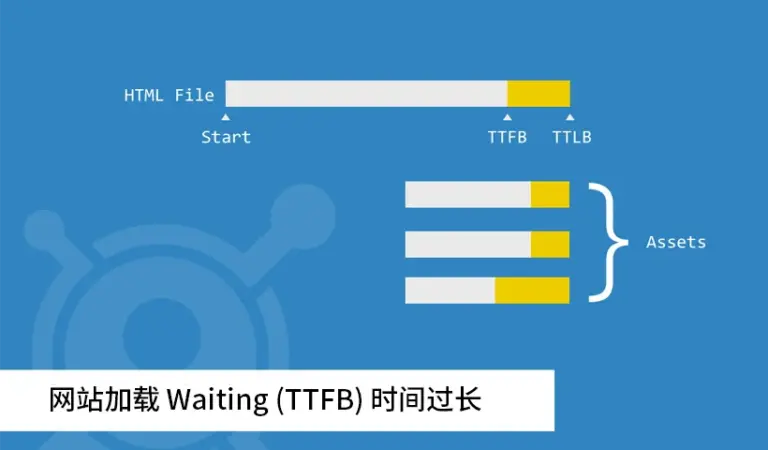
Understand what Time to First Byte means, what counts as slow, why it gets too long, and how to reduce server response time on WordPress sites.