Due to network connectivity issues in certain regions, accessing Google Fonts can sometimes be slow or even impossible. Since many international WordPress themes rely heavily on Google Fonts, these connection delays can significantly hinder your website’s performance and user experience. The Local Google Fonts plugin offers an effective solution by allowing you to download these fonts directly to your own server, ensuring they load reliably and quickly from your local hosting environment.
Key Features of the Local Google Fonts Plugin
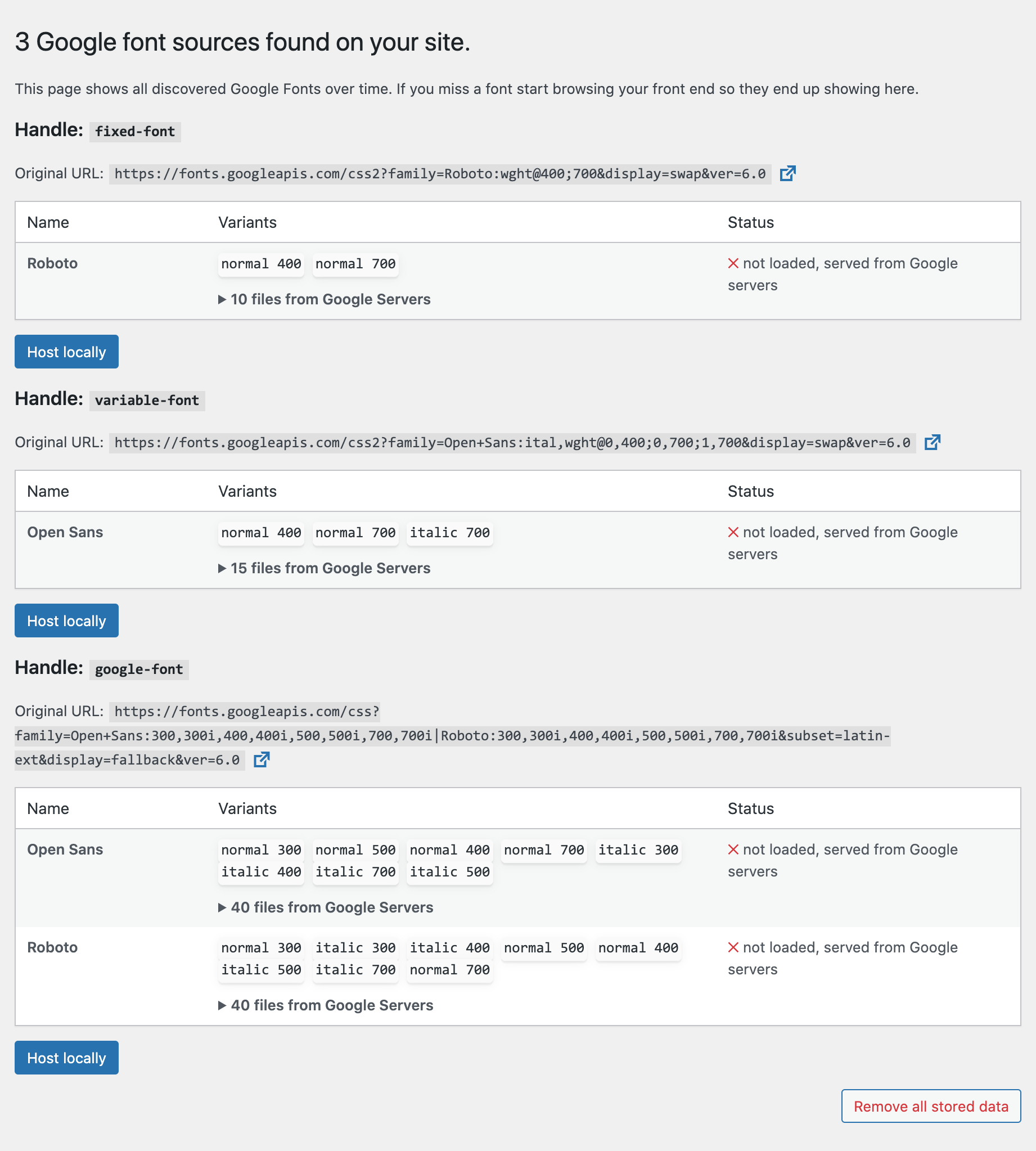
The Local Google Fonts plugin automatically identifies any Google Fonts being loaded by your WordPress theme or other plugins on the frontend. It then lists these fonts within the plugin’s settings page, as shown in the screenshot below. By simply clicking the “Host Locally” button, you can download the corresponding font files to your server. The next time anyone visits your site, those fonts will be served directly from your own hosting rather than from Google’s servers.
Important Considerations
It is important to note that the Local Google Fonts plugin currently only detects Google Fonts that are enqueued using the standard wp_enqueue_style function. If your website loads fonts via @import rules within a CSS file or by manually adding code to the <head> section, you will need to switch to the standard enqueuing method before the plugin can recognize and host those fonts locally.
Why We Recommend Hosting Locally
Google Fonts can greatly enrich a website’s typography and overall aesthetic, especially for English-language sites or those with mixed-language content. Abandoning these fonts solely due to potential loading issues is a missed opportunity for better design. This plugin provides a seamless way to enjoy the benefits of Google Fonts without the performance drawbacks often associated with external font requests. It is a highly recommended tool for anyone looking to optimize their WordPress site’s design and speed simultaneously.