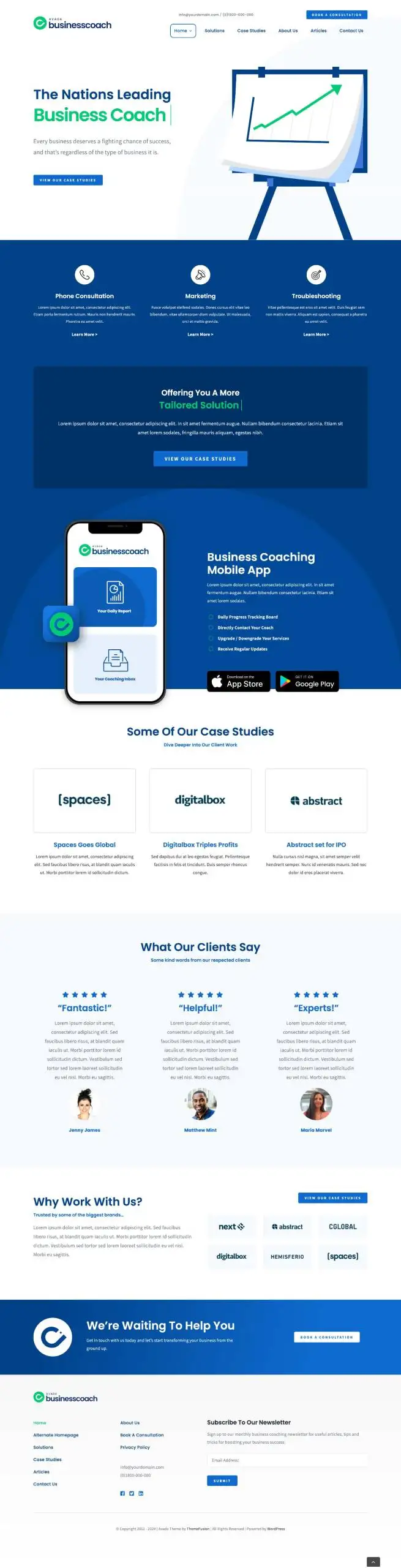
Does your WordPress site built with Avada theme open slowly? CheckHow to optimize Avada theme performance。
When it comes to Avada, it is estimated that everyone who knows WordPress sites has tried or heard about this theme. Long before the release of Elementor and Gutenberg editors, Avada was loved by WordPress beginners because it supports visual editors. Some website builders who are good at planning and design can even use the Avada theme to customize a website that looks very professional.
Avada provides many introductory demo sites and also provides some good reference examples for beginners. If you plan to only learn to use an advanced WordPress theme, choosing Avada will help you avoid detours and achieve good results.
Features of Avada theme
Theme functions and features
- Avada theme features intuitive visual front-end design and editing tools to help you create beautiful websites quickly.
- Clean, modern, and versatile design that can be modified and used in any website design and layout.
- The #1 WordPress theme on the market for over 7 years and counting.
- Highly advanced network of options that can be easily customized without modifying code.
- Dozens of professionally designed demos, quickly imported with the click of a button.
- Over 22,000 ratings, with an average of 5 stars.
- Always compatible with the latest WordPress version.
- Always compatible with the latest versions of third-party integration plugins.
- WordPress Multisite (WPMU) tested and approved.
- Built-in HTML5 and CSS3.
- 100% SEO optimized and perfectly compatible with plugins like Yoast SEO.
- Adhere to strict WordPress and PHP coding standards.
- Fast, reliable, performance enhancements for premium websites.
- Cross-browser compatibility: FireFox, Safari, Chrome, IE9, IE10, IE11.
- 100% responsive theme, down to the pixel, you can also disable the responsive layout if not needed.
Good design and user experience
- Fully controllable site width; content area and sidebar.
- Retina screen compatible, super high resolution graphics.
- Social platform icons and theme icons are CSS font icons, without redundant images.
- Enhance your website experience with jQuery.
- CSS3 animations can be enabled or disabled on desktop/mobile devices.
- Any page with parallax functionality.
- Focus on typography, usability, and overall user experience.
Useful advanced features and rich third-party integrations
- Easy-to-use Fusion Builder visual editor, the best visual page builder on the market.
- Automatic theme updates directly through the WordPress admin interface.
- Automated patching tool that applies fixes and improvements with just one click.
- Flexible setting of page sidebar.
- Columns 1-6 are supported.
- Parallax functionality can be applied to any page.
- CSS3 animations can be enabled or disabled on desktop/mobile devices.
- Compatible with many popular plugins such as WPML, Yoast, W3TC, Contact Form 7 and more.
- Advanced theme options network.
- Advanced Fusion page/post options.
- Incredible theme updates like no other.
- Multiple advanced slider options.
- Fusion Mega Menu.
- WooCommerce is compatible with a wide range of design integrations.
- Integration of popular plugin designs.
Avada performance
Due to its rich functionality, Avada’s performance is not particularly good under default settings. However, after proper optimization, Avada’s performance impact on the website can be ignored. This site has previously written an article specifically to introduceHow to optimize Avada theme performance, friends in need can take a look.